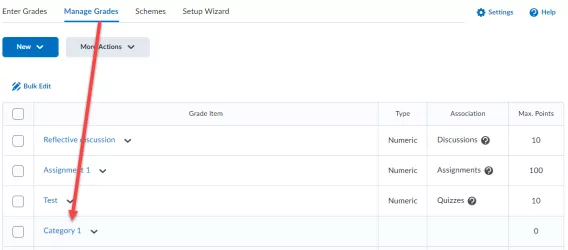
Creating a Basic Grade Category
To create a basic grade category complete the following steps:
1. In the navbar, locate and click Grades.
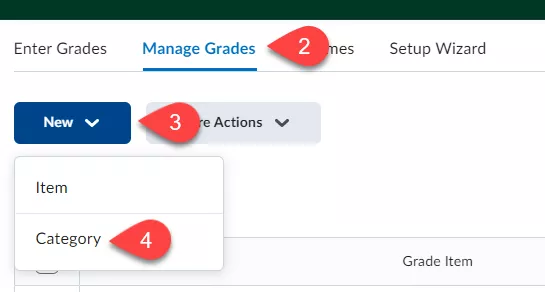
2. Click the Manage Grades tab.
3. Click New.
4. From the dropdown menu that appears, click Category.
Image
The New Category page opens.
Image
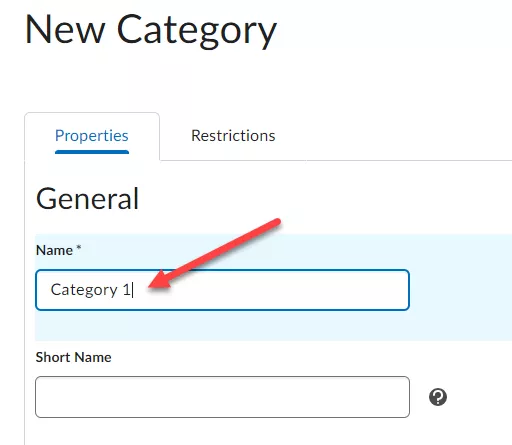
5. Enter a name.
6. Click Save and Close.
Result
The Grade Category has been created successfully.
Image